
 Olivia McEwen
CX Tech Top-ups: New Checklist Templates!
New checklist templates have been added to our mobile forms and inspection software IntouchCheck™. These templates are a geat way to get started.
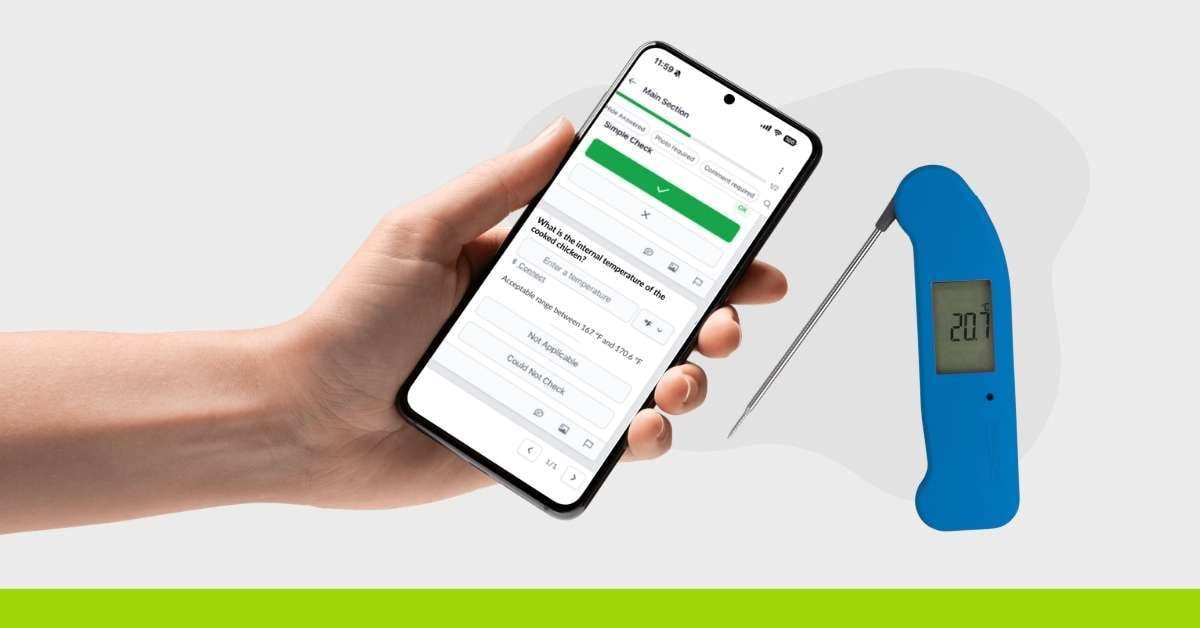
Since launching our Temperature Question feature in 2025, we’ve helped thousands of users digitize their safety logs. Today, we’re taking that foundation to the next level.
We are excited to introduce a seamless hardware enhancement for IntouchCheck®: Bluetooth Integration for ThermoWorks® thermometers.
Better Data, Fewer Steps.
Capture accurate, real-time temperature readings directly in your checklists—automatically, with the option to enter them manually whenever needed. Temperature data syncs seamlessly from the hardware, simplifying temperature-based checks for industries like food safety, healthcare, and facilities management. This feature is currently designed to work with the industry-leading Thermapen ONE Blue.
Whether you are managing food safety at a QSR, maintaining compliance in healthcare, or overseeing facilities management, here is how this integration protects your operations and empowers your team:
Setting up your checklists is simple. Admins can request access to this feature and then enable it on any Temperature question by switching the "Enable Bluetooth" toggle on. This instantly allows the question to accept readings from a paired Thermoworks device.
Here are the steps you'll need to use this functionality 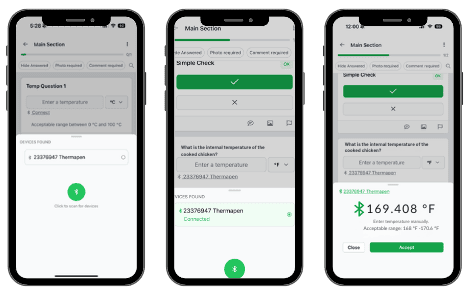
Check Bluetooth Status: Verify the smartphone's Bluetooth hardware is toggled ON.
Initialize Discovery: Navigate to the "Temperature" question(s) on your checklist and click the Connect button.
Trigger Device Scan: Click the button for the app to begin searching for nearby compatible hardware.
Select Available Device: Choose your specific thermometer from the list of available devices. If no device is found, the UI will simply display a prompt to click to scan again.
Connection State: Once the handshake is complete, the app displays the live post-connection temperature reading (e.g., 98.6°F or 37°C) right on the screen.
Disconnect: Users are provided with the option to easily disconnect the device to end the session or switch to a different sensor.
This update goes beyond the field to provide smarter, audit-ready data on the backend:
Whether you are managing a single facility or a global supply chain, this integration transforms temperature logs from subjective records into undeniable proof.
Facilities Management: Provide building owners with hardware-stamped proof that HVAC and boiler systems are operating within safe, efficient ranges.
At Intouch, we’re focused on building tools that support accuracy, efficiency, and confidence in your operations.
For more information or help getting started, contact our team at letschat@intouchinsight.com to book a demo, or contact your Customer Success Manager to get started.

New checklist templates have been added to our mobile forms and inspection software IntouchCheck™. These templates are a geat way to get started.
 Brooke Kingyens : August 30, 2024
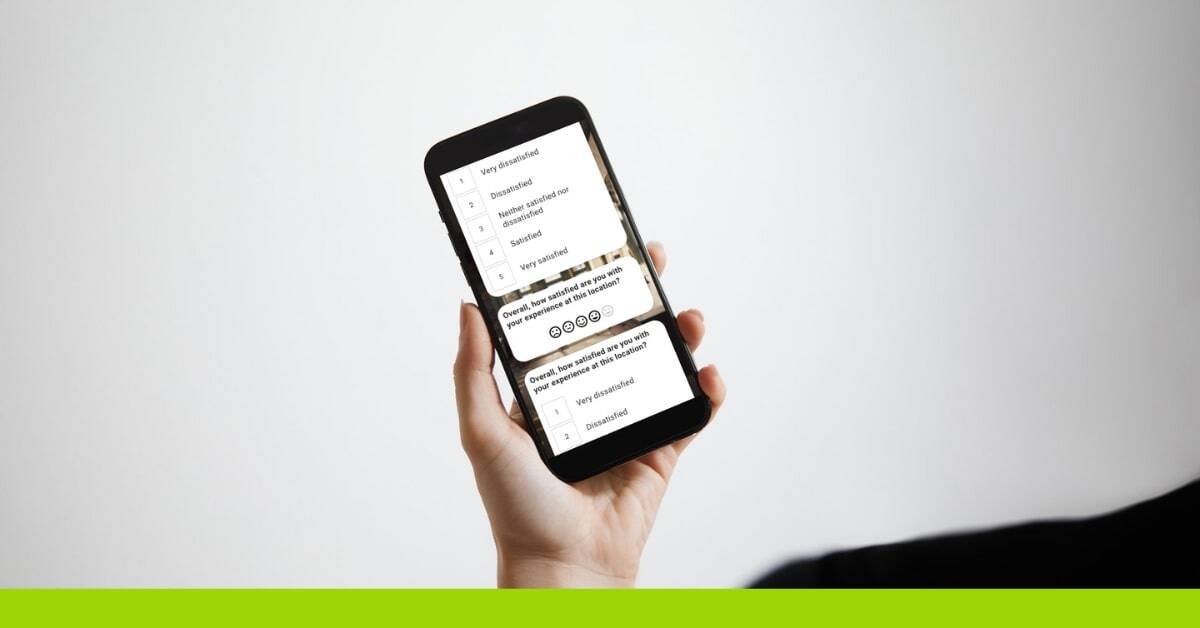
Explore the latest IntouchSurvey® updates, including enhanced smiley face ratings, advanced location-based skip logic, and new industry-specific...
 Brooke Kingyens : December 19, 2025
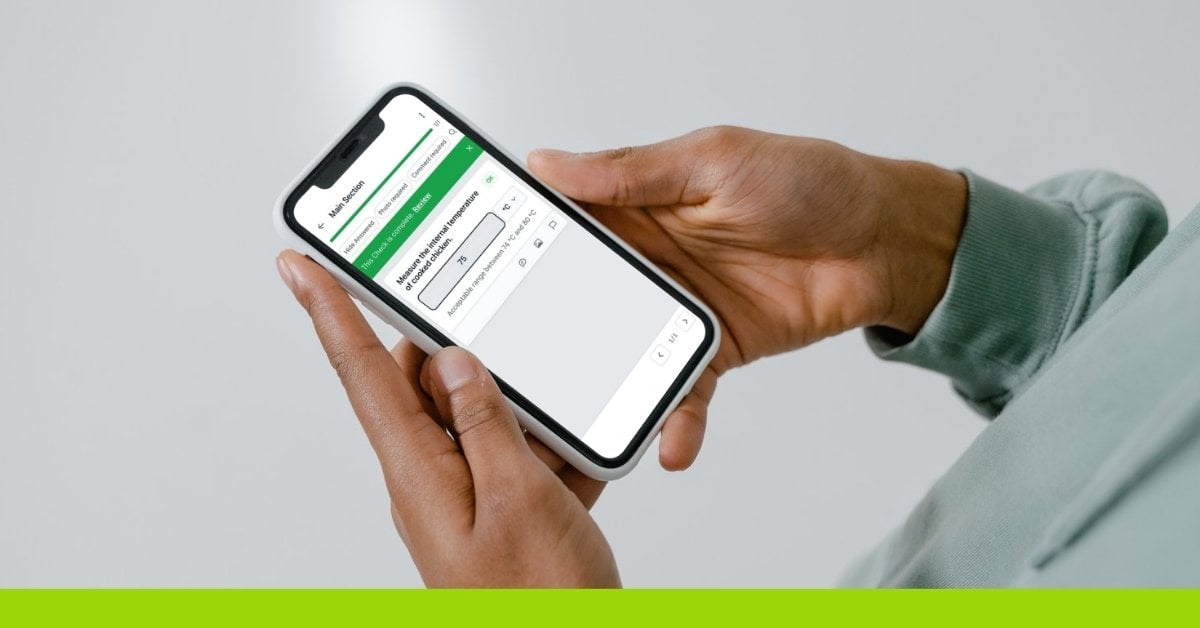
Discover how IntouchCheck’s new Temperature question type improves food safety by standardizing temperature tracking across locations.