At Intouch, we’re always looking for ways to make daily tasks simpler and data more reliable. This month, we’re introducing a new Temperature question type in IntouchCheck®, designed to make temperature entry, tracking, and reporting more accurate and consistent.
What's New?
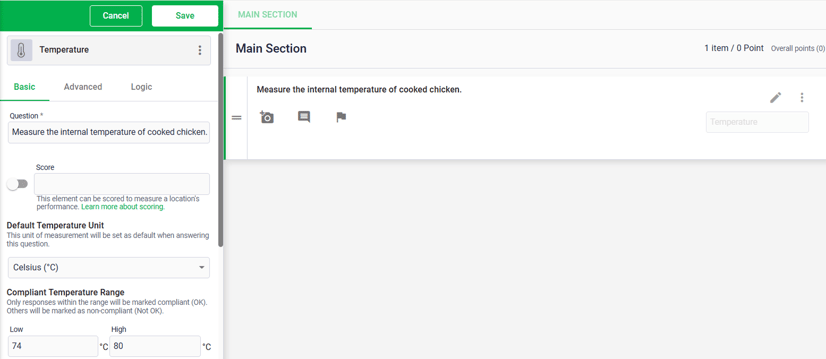
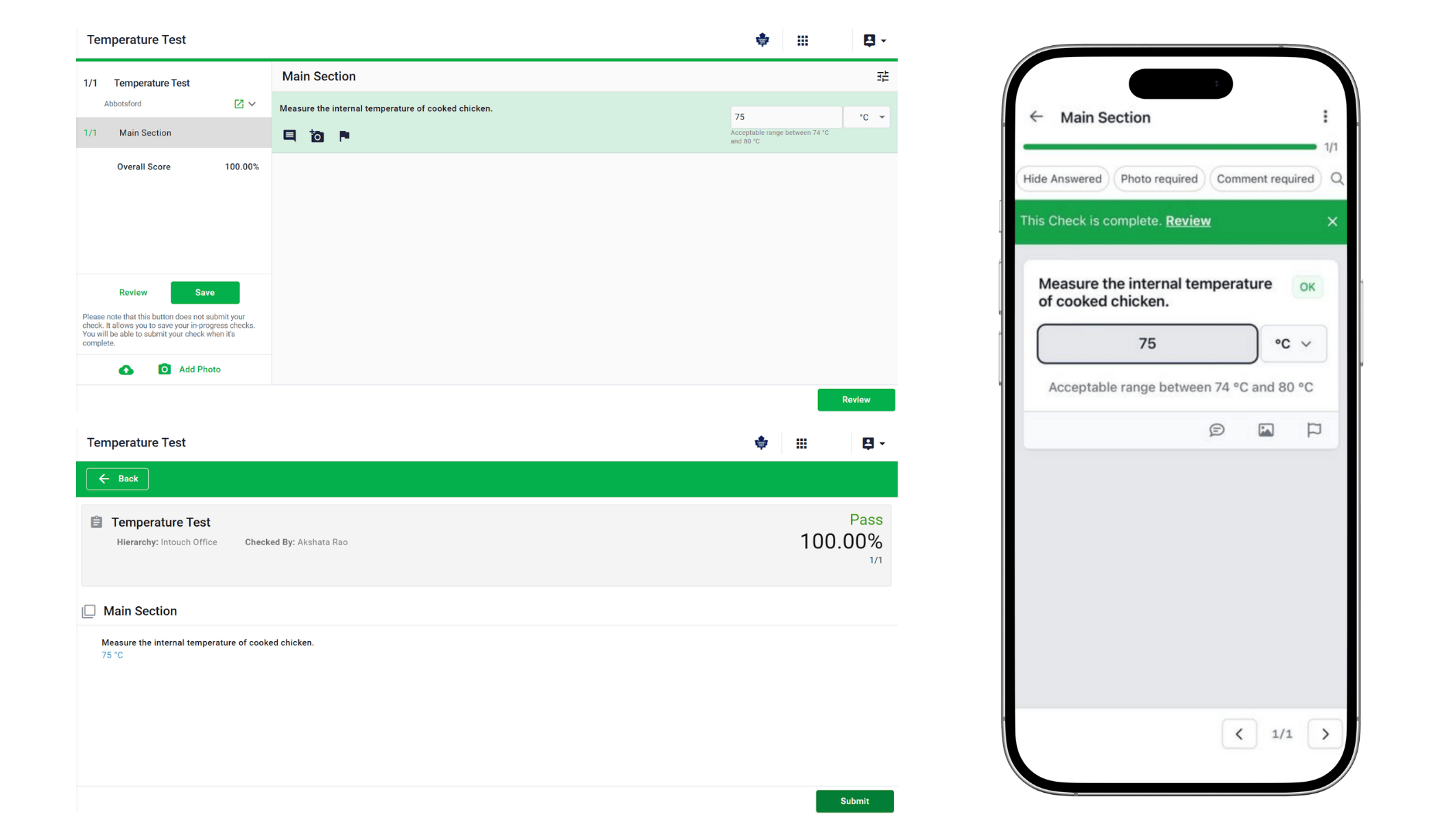
You can now add a dedicated Temperature question when building checklists in IntouchCheck®. Instead of using a standard number field, users can record temperatures with a clearly defined unit of measurement, either Celsius or Fahrenheit.
Admins can also set a default unit when building the checklist, helping standardize data entry across locations and making checks faster to complete.
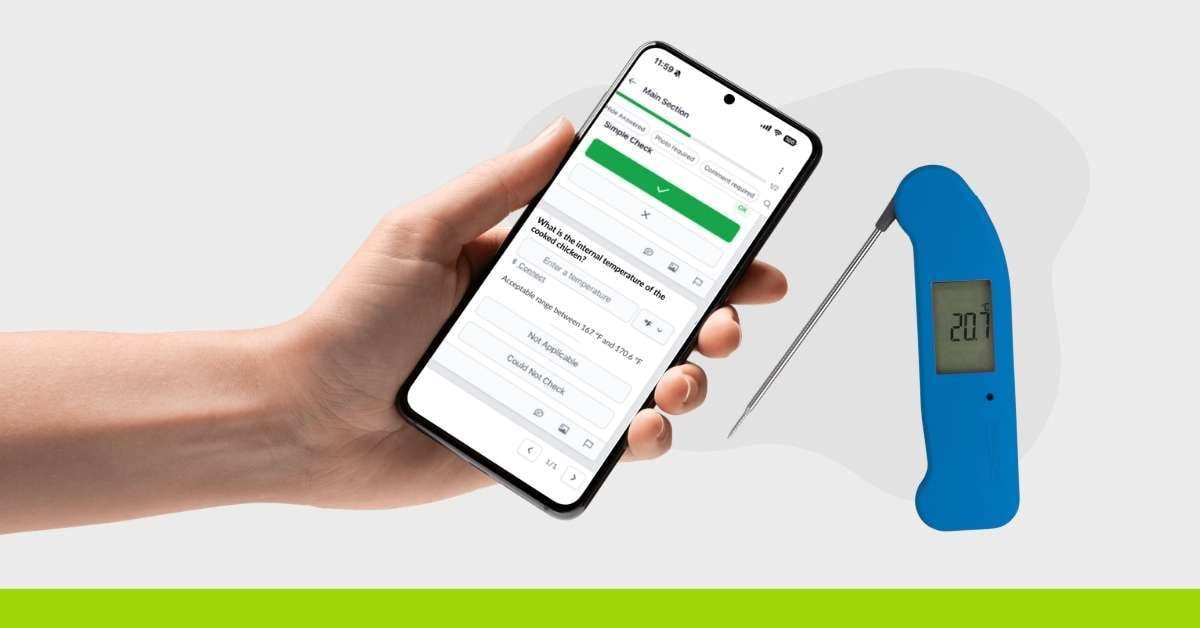
* Bluetooth thermometer support for ThermoWorks Thermapen Blue will be added in a future release.
Why It Matters
Temperature checks play a critical role in food safety, equipment monitoring, and compliance workflows. Previously, temperatures were entered as plain numbers, which often led to missing context, inconsistent units, and extra effort during reviews or audits.
The new Temperature question type solves these challenges by ensuring every temperature is recorded with clear units and a consistent format. That means less guesswork, cleaner data, and easier reporting when it matters most.
Key Benefits
Here’s how this update can help your team:
-
Clear, consistent temperature data across all locations
-
Faster checklist completion with default units and guided input
-
Reduced confusion during audits and fewer manual corrections
-
A strong foundation for future Bluetooth thermometer integration
IntouchCheck® Admin Users:
Admins can add the new Temperature question when building checklists. It supports default units, compliant temperature ranges, required responses, critical issue handling, follow-ups, skip logic, and reporting controls.
IntouchCheck® Web and Mobile App:
Intouch Intelligence:
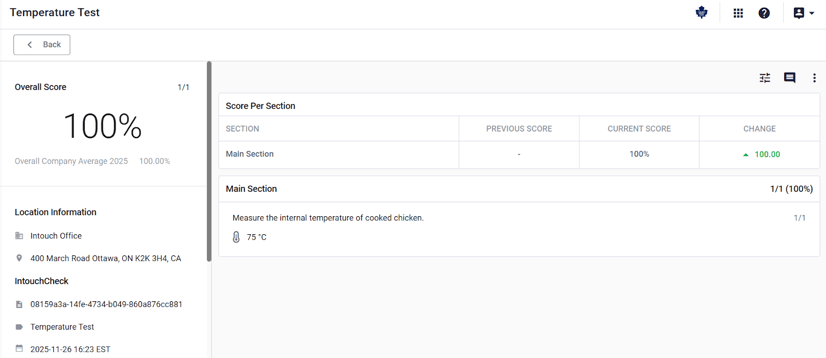
- Records display temperature values with clear units
- Temperature questions can be used in record lists, dashboards, and filters
At Intouch, we’re focused on building tools that support accuracy, efficiency, and confidence in your operations. The new Temperature question type helps ensure your data is clear, consistent, and audit-ready every time.
For more information or help getting started, reach out to your Customer Success Manager or contact us at letschat@intouchinsight.com.

 Brooke Kingyens

 Olivia McEwen : March 10, 2026


 Brooke Kingyens